Raise Back Office Setup
Setup BO
Git Repository: http://47.89.53.43/phase2/back_office
Steps (Setup BO)
Clone project
git clone http://47.89.53.43/phase2/back_office
Setup i18n folder
Download i18n folder (Choose One)
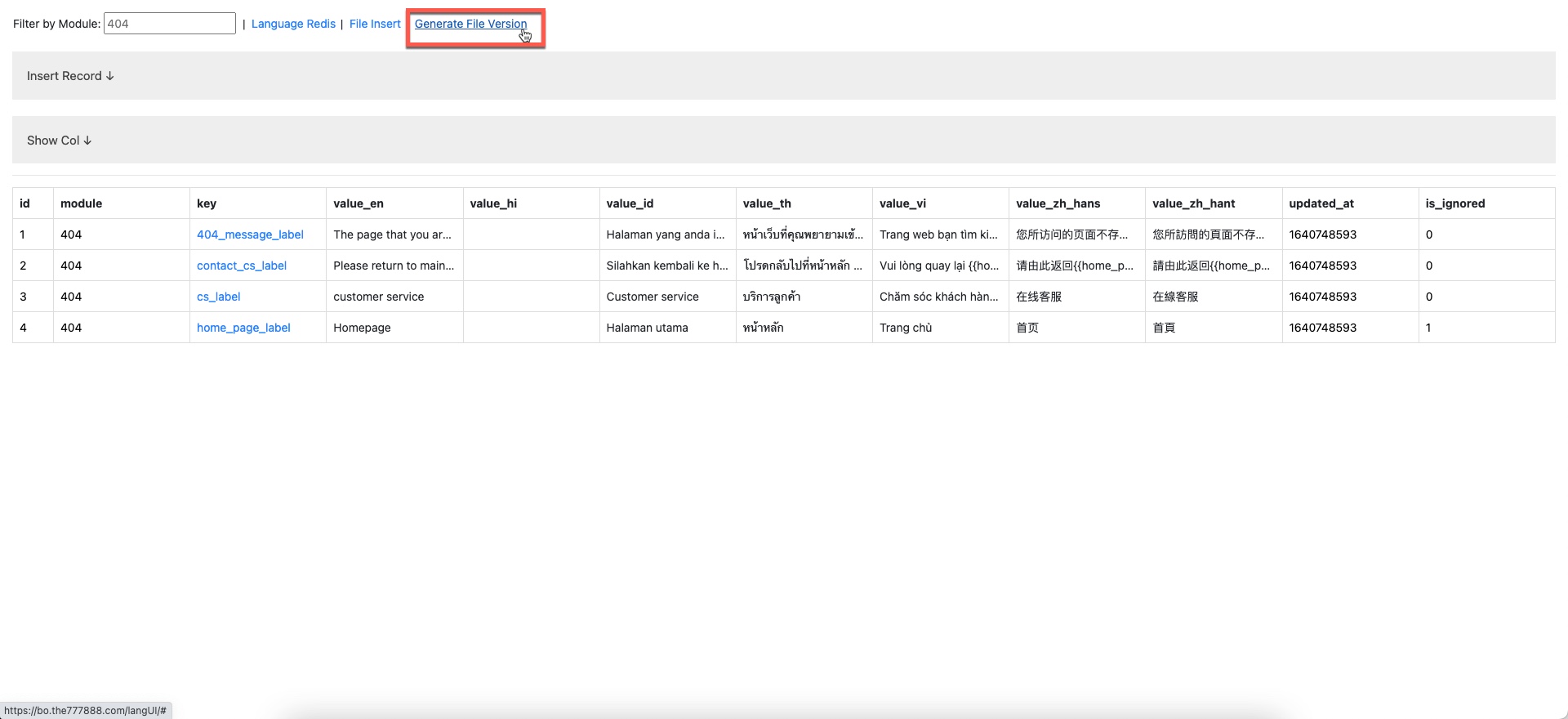
DB Version: https://bo.the777888.com/langUI
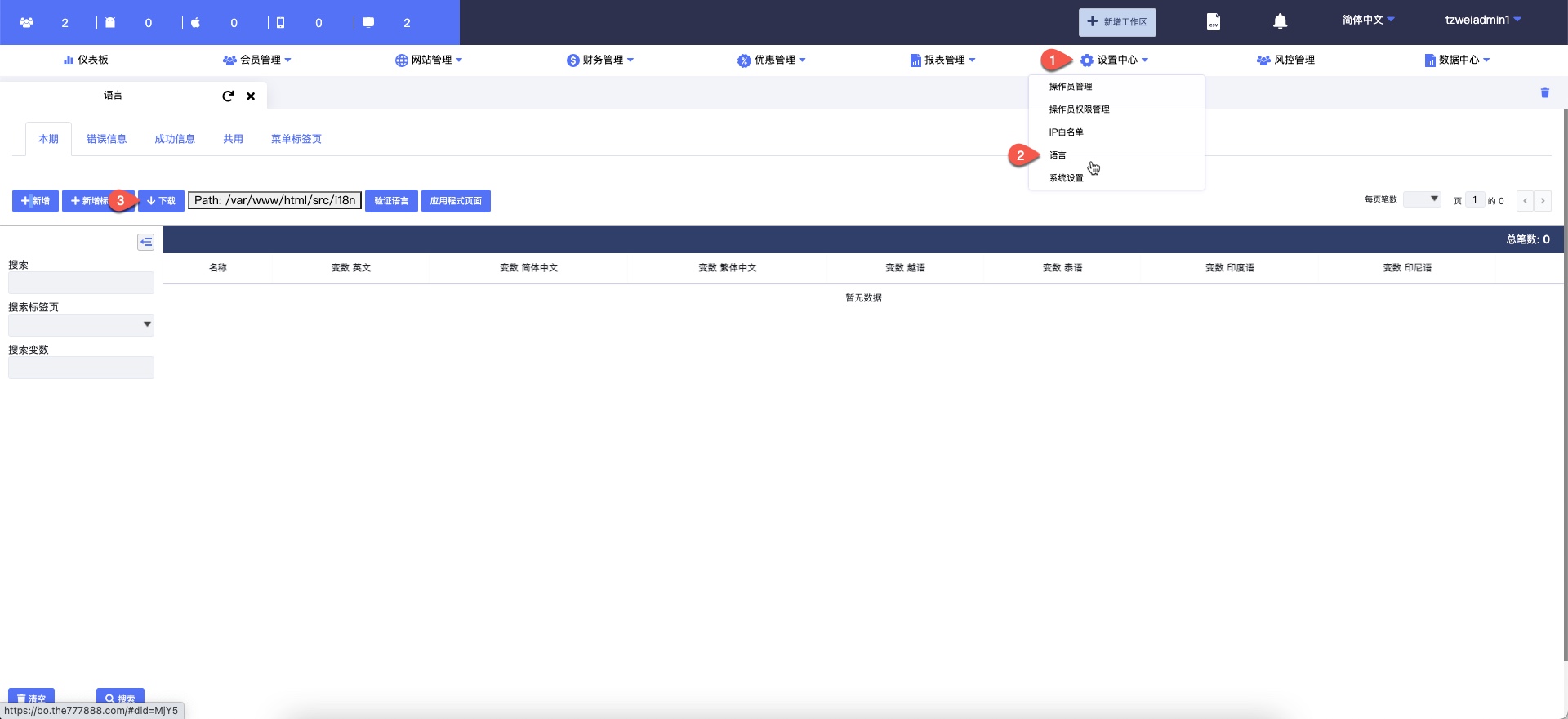
File Version (Old): https://bo.the777888.com/
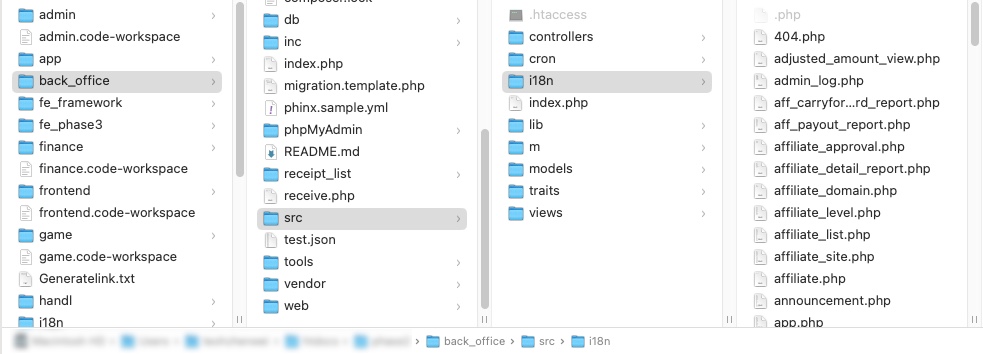
Place the i18n to
<project_folder>/srcfolderExample
Configure env & config
in
prelivebranchrenaming
.env.exampleto.env<project_folder>/incfolder renaming.config.e.phpto.config.php
Tip
To show hidden file in finder Mac
Press
command+shift+.DONE